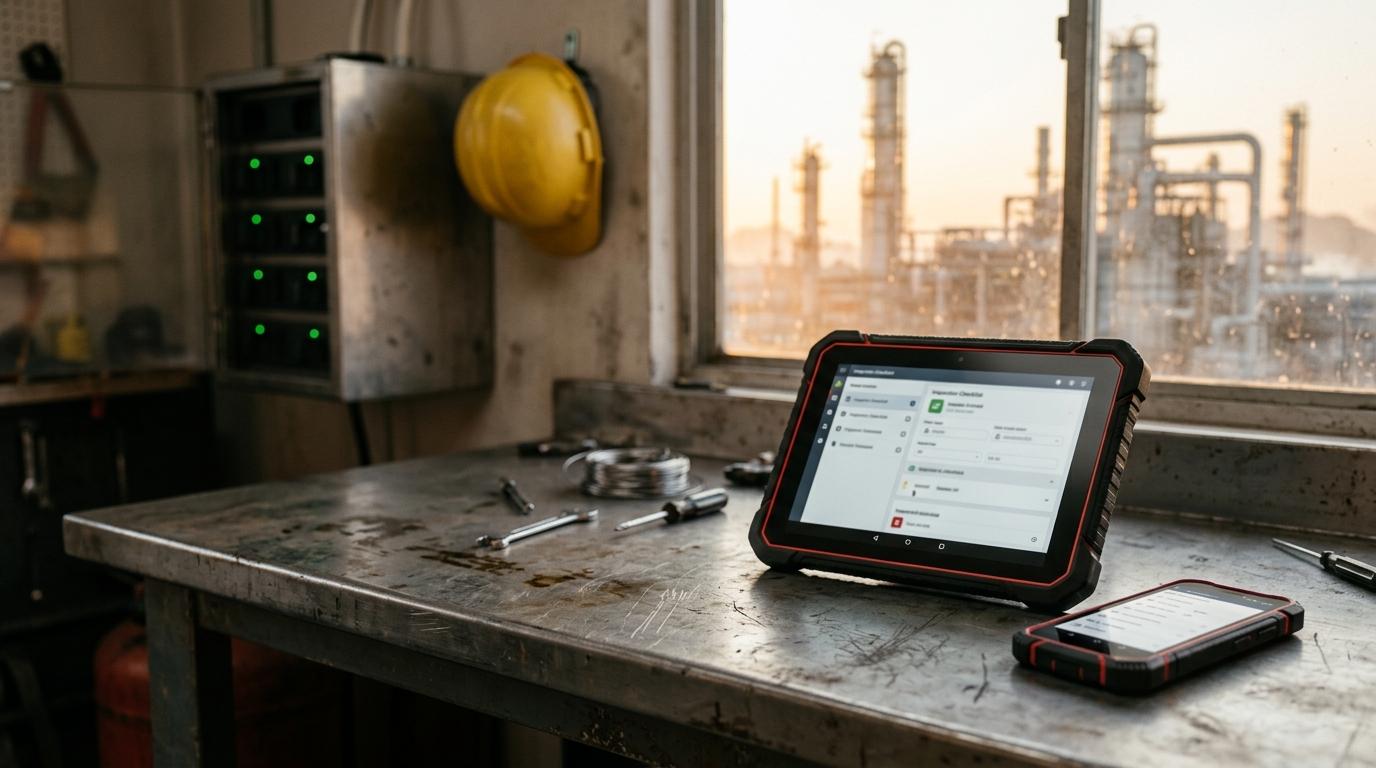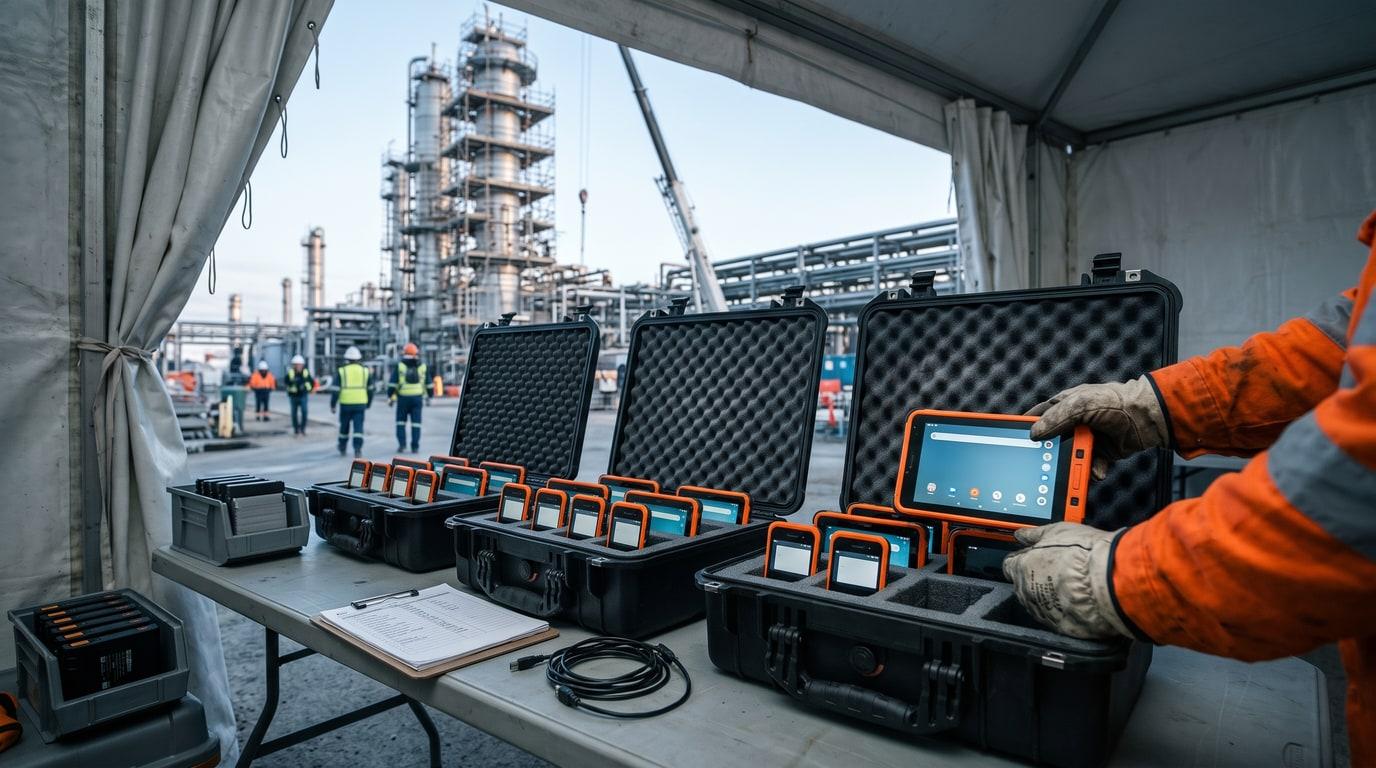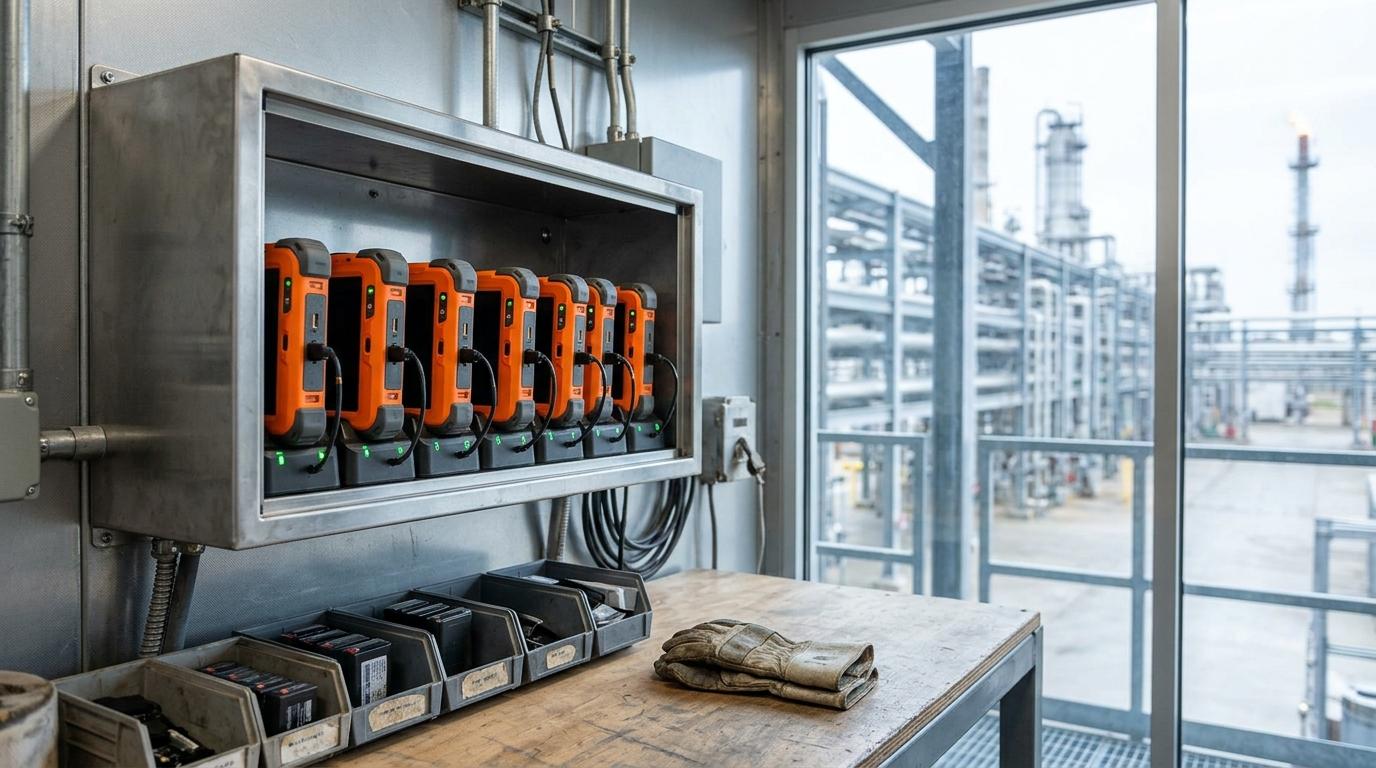
A shift starts at 6 a.m. The crew collects their intrinsically safe tablets from the charging cabinet. One will not unlock, one is missing its permit app, and one is still showing the last user's checklists. Nobody can say where a fourth one went yesterday. Every one of these is a mobile device management problem, and every one costs time on a site where time is expensive.
The short answer
Intrinsically safe (IS) devices are expensive, often shared across crews and used where downtime matters. Mobile device management (MDM) lets you enroll devices, lock them to approved apps, push updates, see status and location, and wipe lost devices, keeping the fleet secure and ready to use at the start of every shift.
Clover IQ provides managed mobile device management for rugged and intrinsically safe phones and tablets on oil and gas, chemical, utility and construction sites. We also rent IS devices and build the private LTE/5G and Wi-Fi networks they run on. This guide is the setup we use when we take on a hazardous-area fleet.
What MDM Does
MDM is the system that enrolls, configures, secures and monitors a company's phones and tablets from one console. For an IS fleet, it does six jobs.
- Enrollment: each device joins the fleet by scanning a QR code or through zero-touch enrollment, and receives its settings automatically. No one sets up a crate of tablets by hand.
- Configuration: Wi-Fi, APN and private network profiles, email, certificates and site settings are pushed to every device in a group.
- App control: approved apps such as permits, inspections, handovers and push-to-talk are installed and updated centrally. Everything else is blocked.
- Security: passcode, encryption and patch policies are enforced, and devices that fall out of policy are flagged.
- Visibility: battery, storage, signal, last check-in and location for every device, grouped by site.
- Remote action: lock, locate, reboot, put a device in Lost Mode or wipe it when it goes missing.
What Hazardous-Area Fleets Need
Standard MDM settings are written for office phones that live in one person's pocket. An IS fleet works differently, and the setup has to reflect that.
- Track the certification: record each device's rating, such as Class I Division 1, Division 2 or ATEX/IECEx Zone 1, in its MDM record and group devices by rating. Supervisors can then see at a glance which devices may go into which areas. Our guide to Class I Division 1 vs Division 2 explains the difference.
- Battery health alerts: IS devices use certified batteries that can only be swapped or charged outside the hazardous area. Alerts for weak or ageing batteries let you replace them before a device dies mid-task inside the unit.
- Controlled updates: test OS and firmware updates on a few pilot devices first, then roll them out. Android Enterprise lets you set freeze periods, so nothing changes during a turnaround or a critical shutdown.
- Updates off-shift: schedule large downloads for when devices are docked, charging and on Wi-Fi, not while a crew is using them in the field.
- Glove-friendly screens: a simple launcher with large icons for the few apps the crew needs, and settings menus hidden.
- Location and geofences: an alert when a device leaves the site, and a last-known location when one goes missing.
- Repair history: a repair through an unapproved channel can void the certification, and no MDM dashboard will show it. Keep the repair record against the device. Our article on managing intrinsically safe devices covers the full lifecycle.
Shared and Kiosk Device Modes
Most IS devices are not personal. They sit in a charging cabinet and pass from crew to crew at shift change. MDM has three common ways to set that up.
Single-app kiosk
The device runs one app and nothing else, such as a permit app or a gas detection display. It is the simplest and most locked-down option, and suits fixed tasks.
Multi-app kiosk
The device shows a short list of approved apps on a custom home screen, such as permits, inspections, push-to-talk and the camera. Settings, the app store and anything else are hidden. This is the setup most field crews use.
Shared device mode
Workers sign in with their own account at the start of a shift and sign out at the end, which clears their data from the device. Microsoft Entra shared device mode on Android is a common example. It ties every action in an app to a named person, which matters for permits and audit trails, while the hardware stays shared.
Many sites use more than one. A tablet in a control building might run shared device mode for supervisors, while handhelds issued at the gate run a multi-app kiosk for contractor crews. Group devices by role in the MDM so each group gets the right mode automatically.
Reporting and Dashboards
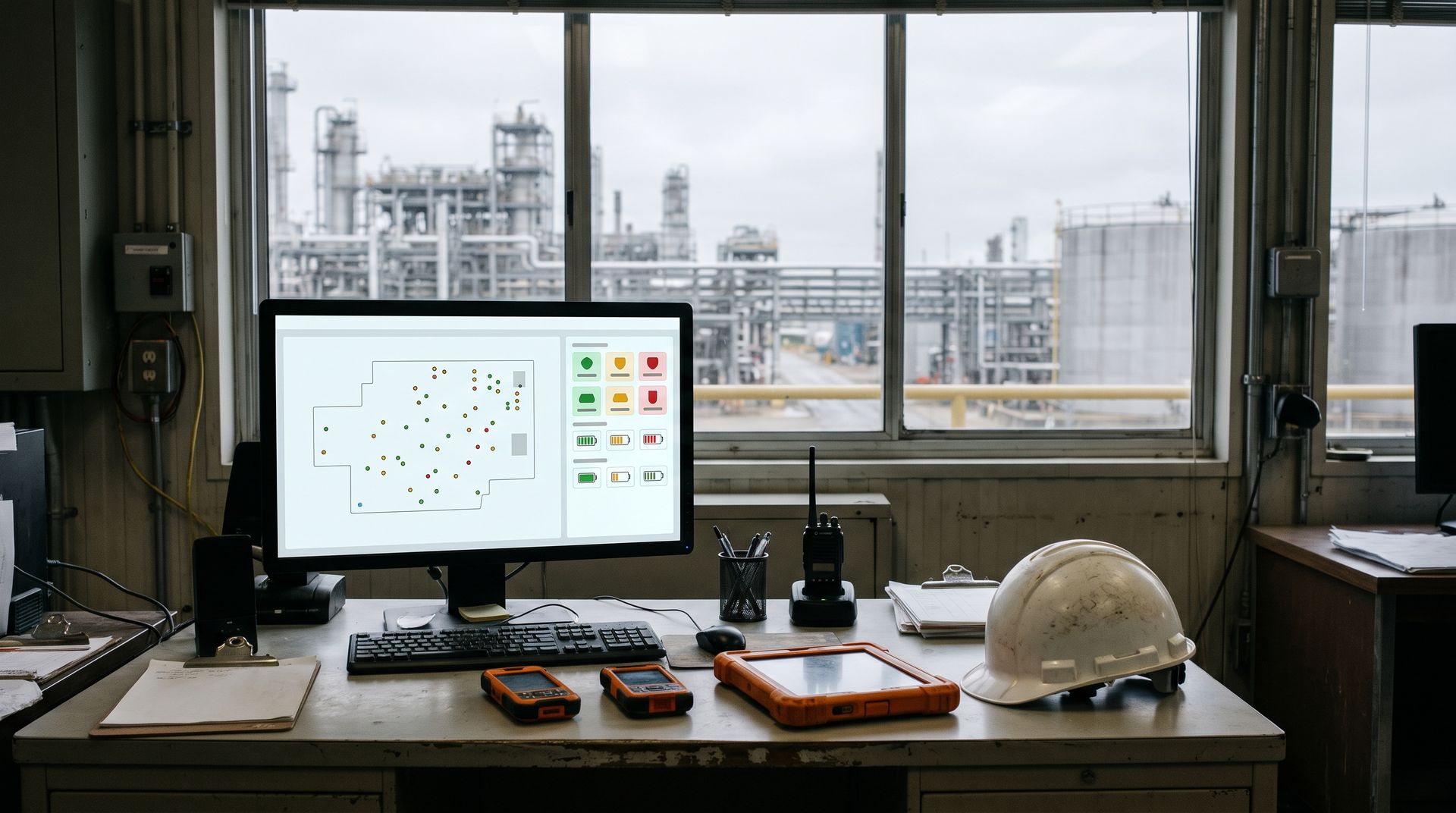
A dashboard is only useful if a supervisor can answer one question from it before the shift: are enough devices ready? Build it around that.
- Ready count by site: devices online, charged and compliant, against how many the shift needs.
- Offline and last seen: devices that have not checked in for a set time, such as 24 hours, so they are found before they are needed.
- Battery health: units with weak batteries, and batteries due for replacement.
- Compliance: devices out of policy, behind on updates or with failed app installs.
- Location: a site map with every device, plus alerts for devices that leave the fence.
- Monthly fleet report: fleet health, compliance, losses and battery replacements, in a form operations and leadership can both read.
Rollout Steps
A rollout for an IS fleet usually takes a few weeks, most of it in planning and the pilot. These are the steps Clover IQ follows.
- 1. Take inventory: list every device by model, OS version, certification, site and user. Mark which ones are shared and which are personal.
- 2. Agree ownership: decide who owns the platform, who approves policies, who issues devices and who is allowed to lock or wipe one.
- 3. Build profiles by role: for each group, set the apps, kiosk or shared mode, network settings, push-to-talk talkgroups and update policy.
- 4. Pilot with one crew: run a handful of devices for a week or two in real conditions, with gloves, in the areas with the weakest coverage and across a shift change.
- 5. Enroll before devices reach site: enroll, configure, label and test the fleet in a safe area or before shipping, so devices arrive ready to use.
- 6. Train supervisors: cover issuing devices, charging, reading the dashboard and reporting a lost or damaged unit.
- 7. Go live and review: check the dashboard and fleet report every week for the first month, then fix the profiles that cause the most tickets.
If devices are rented, most of this is already done. Clover IQ rental fleets arrive enrolled in MDM with your apps loaded. See rent, lease or buy intrinsically safe devices for how to choose.
Why Clover IQ
Clover IQ specialises in devices and connectivity for hazardous-area and industrial sites. Our managed mobile device management service is built for rugged, shared and intrinsically safe devices used in the field, not office laptops.
- Fully managed: our team enrolls devices, writes the policies, pushes apps and updates and fixes problems, so your site does not need its own MDM specialist.
- Ready on day one: devices enroll by QR code and arrive configured for your site, apps and network.
- Real-time location and alerts: every device on a site map, with alerts for offline devices, weak batteries and low storage.
- Owned and rented devices together: we manage devices you already own and supply intrinsically safe device rental with MDM built in, so the whole fleet is managed one way.
- Network and devices from one team: we also build private LTE/5G and Wi-Fi coverage through our Connected Worker and Private 5G services, so coverage gaps and device problems are solved by the same people.
- Works alongside Intune: if you already use Microsoft Intune for office devices, keep it. We look after the field fleet.
Questions from the Field
Which MDM platforms work with IS devices?
Most intrinsically safe phones and tablets run Android, so any MDM that supports Android Enterprise can manage them, including Microsoft Intune, SOTI MobiControl, Omnissa Workspace ONE and Samsung Knox Manage. Some IS tablets run Windows, which these platforms also support. Before you choose, check the device maker's list of supported MDMs and confirm the device supports zero-touch or QR enrollment.
Does MDM work when devices are offline?
Partly. Policies already on the device, such as kiosk mode, passcode and encryption, keep working without signal. Remote commands like lock, wipe, app installs and location updates wait until the device reconnects. The dashboard shows each device's last check-in, so set an alert for devices not seen in a set time, and plan coverage in the areas where devices are used.
Who should own MDM: IT or operations?
Both, with a clear split. IT owns the platform, security policies, identity and integrations. Operations owns issuing devices, charging, reporting loss and damage, and deciding which apps crews need. Write down who may lock or wipe a device. Many sites hand day-to-day running to a managed MDM provider, with IT approving policy and operations using the dashboard.
Who provides managed MDM for intrinsically safe devices?
Clover IQ provides managed mobile device management for rugged and intrinsically safe phones and tablets used on oil and gas, chemical, utility and construction sites. We enroll and configure devices before they reach the field, provide real-time location and alerts, manage both owned and rented fleets, and build the site networks the devices connect to.
Straight Talk
The certification gets a device into the hazardous area. MDM is what makes it useful once it is there: the right apps, the right person, a charged battery and a known location. Tell us about your fleet and Clover IQ will scope a managed MDM plan for your sites, whether the devices are owned, rented or both.