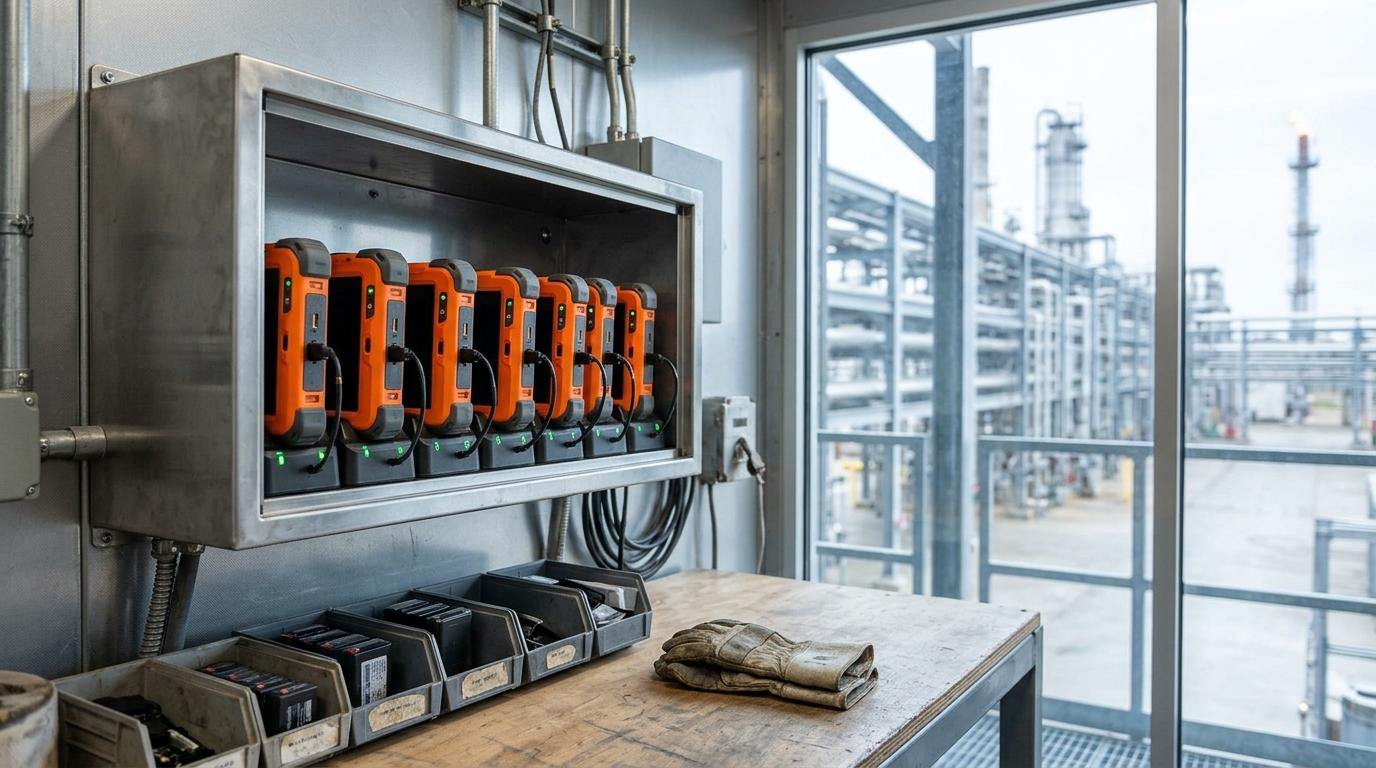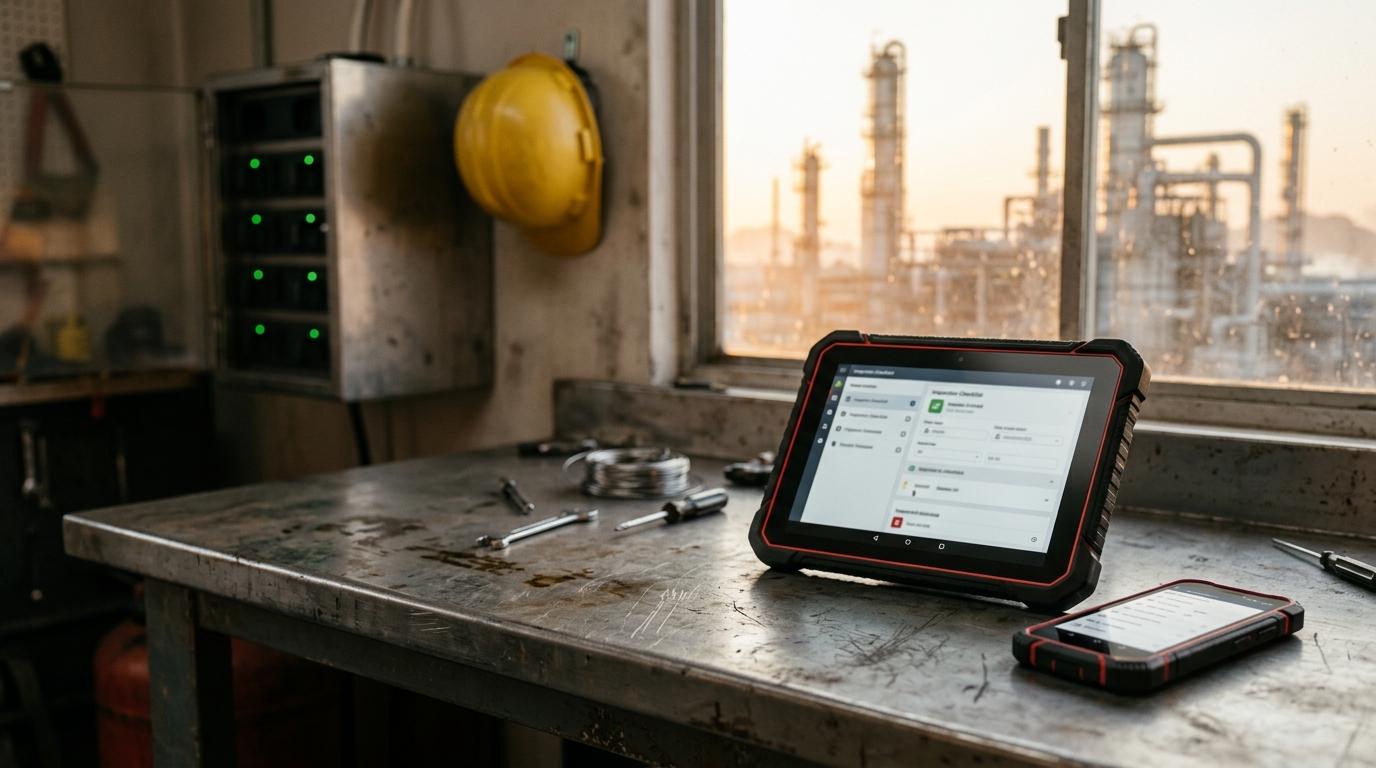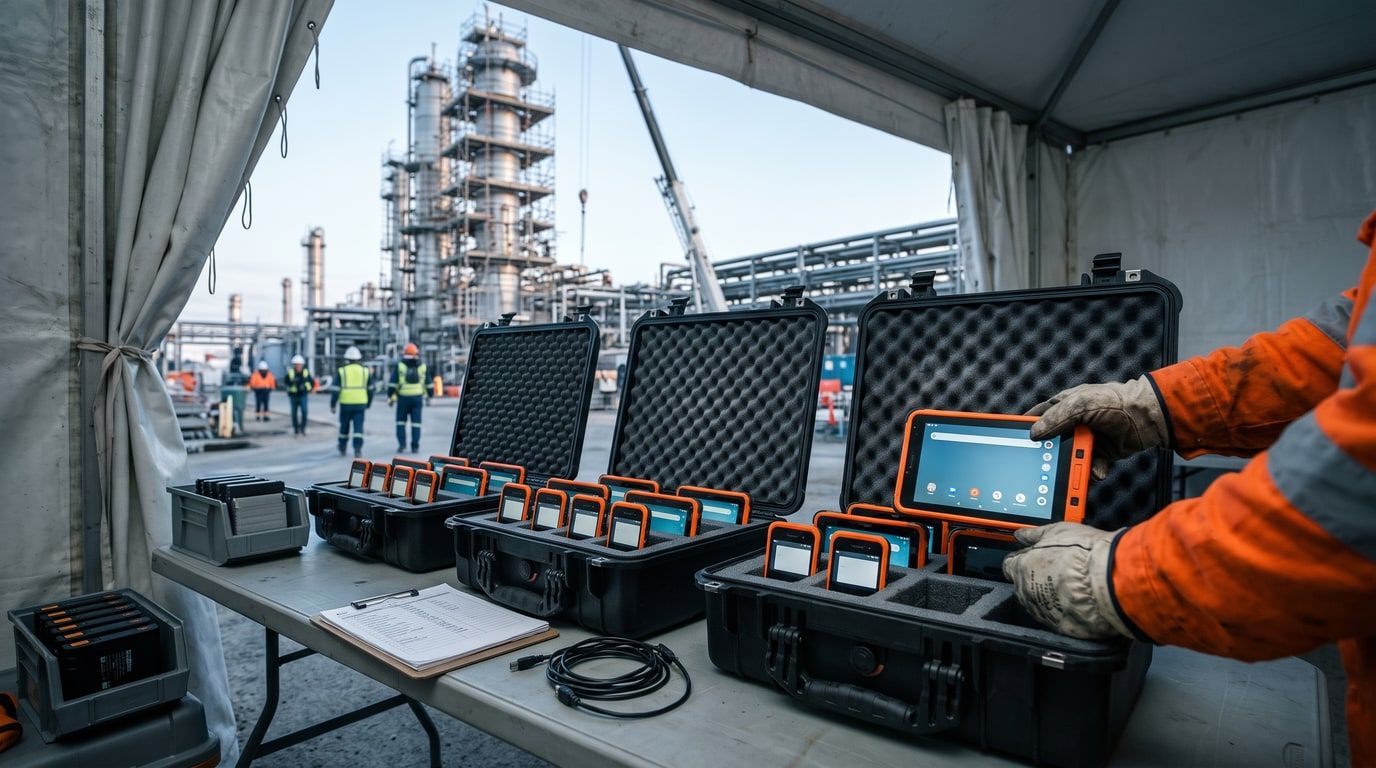
The turnaround starts in six weeks. Headcount will triple, and every contractor crew working inside the unit needs a certified phone or tablet for permits, checklists and push-to-talk. The site owns forty intrinsically safe devices. It needs a hundred and twenty for six weeks, and forty again after that. Buying eighty more is the obvious move, and usually the wrong one.
The short answer
Rent for one-off events lasting a few weeks, lease for recurring or multi-month needs, and buy when devices will be used year-round across operations. Compare lead time, total cost, MDM setup, support and what happens to the devices after the event, not just the price per unit.
Clover IQ rents, configures and manages intrinsically safe phones, tablets and push-to-talk fleets for turnarounds, shutdowns and hazardous-area sites, and we build the site networks those devices run on. The guidance below is what we walk customers through before a device order is placed.
Rent vs Lease vs Buy Compared
All three get certified devices into workers' hands. They differ in who owns the hardware, who carries the work around it, and what you are left holding when the job ends.
Rent
Short terms, typically by the month. The supplier owns the devices, spares and repairs. A good rental arrives enrolled in device management with your apps loaded, and goes back when the event ends. Highest monthly rate, lowest commitment.
Lease
Longer fixed terms, often one to three years, at a lower monthly rate. A finance lease usually covers hardware only, and you still handle MDM, carrier lines and repairs. A managed lease, or long-term rental, bundles those in. At the end you return, renew or buy out the devices.
Buy
You own the devices outright. Lowest cost per month of use if they are used constantly, but you carry the capital purchase, MDM licences, certified spares, approved repairs, battery replacement and end-of-life disposal.
- Lead time: rental fleets are often in stock and can be staged in weeks. Buying certified devices can mean a long wait, because few manufacturers make them and popular models go on backorder.
- Upfront cost: none for rent or most leases. A full purchase for buy, at two to four times the price of a comparable rugged device.
- MDM setup: included in a managed rental or lease. Your own IT team's job when you buy or take a hardware-only lease.
- Support and spares: the supplier's job when you rent. Yours when you buy, including keeping certified spare batteries and using authorized repair centres only.
- After the event: rented devices go back and are wiped. Bought devices go into a cupboard until the next job, while software support and battery life keep running down.
Decision Rules
Most sites do not need a single answer. They need the right answer for each group of devices.
- Rent when the need is a single event of a few weeks to a few months, such as a turnaround, shutdown, commissioning phase or emergency response, and the devices would sit idle afterwards.
- Lease when the need repeats or runs for many months: several turnarounds a year across sites, a long construction or capital project, or a contractor programme that never really ends.
- Buy when permanent operators use the devices every shift, all year, and you already have the IT team, MDM and spares process to look after them.
- Combine them when you have both. Own or lease a core fleet for permanent staff, and rent the peak for turnaround contractors. This is the most common setup we recommend, because it stops a site from owning devices it only needs for six weeks a year.
Match the certification to the area, whichever route you choose. Many contractors only need Class I Division 2 or Zone 2 devices, and only the crews that cross into Division 1 or Zone 1 need fully intrinsically safe ones. Our guides to intrinsically safe vs rugged tablets and Class I Division 1 vs Division 2 explain how to size each pool.
Cost Factors
Comparing a monthly rental rate against a purchase price is the most common mistake. The fair comparison is cost per month of actual use.
- Utilisation: divide the full cost of owning a device by the months it is actually in use. A device used for one six-week turnaround a year is very expensive per month of use, even if it was cheap to buy.
- Certified accessories: spare batteries, chargers, cases and charging lockers must be the approved parts, and they add up quickly.
- Licences and lines: MDM, push-to-talk and carrier airtime are paid per device whether you rent or buy. Check whether a rental quote includes them.
- Staging labour: enrolling, loading apps, setting Wi-Fi and talkgroups, labelling and testing a hundred devices takes days of skilled time.
- Spares and loss: plan for damaged, lost and dead units. Owners carry that stock themselves. Rental fleets should include a spares pool.
- Refresh and disposal: certified devices often run a generation behind on hardware and have a service life of about three to five years. Owners also pay to wipe and dispose of them.
- Budget type: rentals and most leases are operating expense. Purchases need capital approval, which can take longer than the time left before the turnaround.
MDM and Support
The device is the easy part. A turnaround fleet only works if every unit is enrolled, locked down to the right apps, connected to the site network and replaced quickly when it breaks. That work is the same whether you rent or buy. The question is who does it.
- Enrollment and apps: devices should arrive enrolled in mobile device management, with your permit, inspection and PTT apps installed and tested.
- Connectivity: Wi-Fi, carrier LTE/5G or private network profiles set up before shipment, so workers are not configuring devices at the gate.
- Swap-out: a spares pool on site, so a cracked or dead unit is swapped in minutes, not sent away for weeks.
- Lost devices: location tracking, remote lock and remote wipe, which matter more when hundreds of contractors are on site.
- Return and wipe: a clear process to collect, count and wipe every unit when the event ends.
If your IT team is already stretched before the turnaround begins, renting a managed fleet moves this work off their list. Our article on managing intrinsically safe devices covers the full lifecycle.
Checklist
Work through these before you request quotes.
- How many devices, and for how long? Separate the permanent fleet from the turnaround peak, by week.
- Which areas? List the divisions or zones, gas groups and temperature classes from the area classification drawing.
- Which device types? Phones, tablets, radios, and how many of each need Division 1 or Zone 1 certification.
- Which apps and networks? Name every app, the network each device will use and any push-to-talk talkgroups.
- What is included? Confirm MDM, carrier airtime, PTT licences, spares, support hours and replacement time in the quote.
- What are the damage and loss terms? Know what is covered and what is charged before the devices ship.
- When must devices arrive? Allow time for a pilot, user training and on-site distribution before day one.
- What happens at the end? Return, wipe, renew, or keep a smaller fleet for the next event.
Device planning works best as part of the wider turnaround communications plan, so radio, data and device numbers are sized for the same peak headcount.
Why Clover IQ
Clover IQ specialises in connectivity and devices for hazardous-area and temporary industrial sites, including refinery and petrochemical turnarounds. We supply intrinsically safe and rugged phones, tablets and push-to-talk devices through intrinsically safe device rental, with ATEX/IECEx Zone 1/21 devices and Class I Division 1 options.
- Flexible terms: rent by the month, quarter, year or multi-year term. Longer terms lower the monthly rate, so one supplier covers both a six-week turnaround and a lease-style standing fleet.
- One bundled rate: devices, carrier activation and airtime, push-to-talk licences, MDM, support to your SLA and a hot-swap spares pool.
- Ready on arrival: devices are enrolled, configured and tested for your site before they ship.
- Network and devices together: we also deploy turnaround infrastructure, including private 5G/LTE, Wi-Fi and mobile command units, so devices and coverage are planned as one system.
- A review before any commitment: every fleet starts with a site profile covering area classification, device mix, apps and support tier.
Questions from the Field
How far ahead should IS devices be ordered?
For a rental, book four to six weeks before the turnaround starts so there is time to stage, load apps, run a pilot and ship. For a purchase, allow longer, often two to three months, because certified devices come from a few manufacturers and popular models can be on backorder. Larger fleets need more lead time.
Can rented devices be pre-loaded with our apps?
Yes. A managed rental fleet is enrolled in mobile device management before it ships, so your permit, inspection and push-to-talk apps, Wi-Fi and network settings, and security policies can be loaded and tested in advance. Share your app list and test logins early, and ask for a few pilot units to check them before the full fleet ships.
What happens if a rented device is damaged?
In a managed rental, a damaged or failed device is swapped from the spares pool so work continues, and the supplier handles certified repair or replacement. How damage beyond normal wear, or loss, is charged depends on the rental agreement, so confirm those terms before the devices ship.
Straight Talk
Buying devices for a peak you only reach a few weeks a year ties up capital in hardware that ages in storage. Rent the peak, lease what repeats, and buy only what is used every day. Tell us about your next turnaround and Clover IQ will help you size the fleet, choose the right certification for each crew and plan the right mix of rented and owned devices.