A supervisor at a gas plant asks for twenty tablets for the operators. Procurement finds a model with an IP68 rating, a MIL-STD-810H drop rating and a thick rubber bumper, and it costs half as much as the tablet safety asked for. It looks tougher than the expensive one. So why can it not go past the unit fence?
Because "rugged" and "intrinsically safe" answer two different questions. One is about what the environment does to the tablet. The other is about what the tablet could do to the environment.
The short answer
Not necessarily. Rugged means a tablet resists drops, water and dust. Intrinsically safe means it is certified not to release enough electrical or thermal energy to ignite a hazardous atmosphere. A rugged tablet without a hazardous-location certification should not be used in classified areas.
Rugged vs Intrinsically Safe
Both kinds of tablet are built for the field, and many intrinsically safe tablets are also rugged. The difference is what has been tested and certified.
Rugged
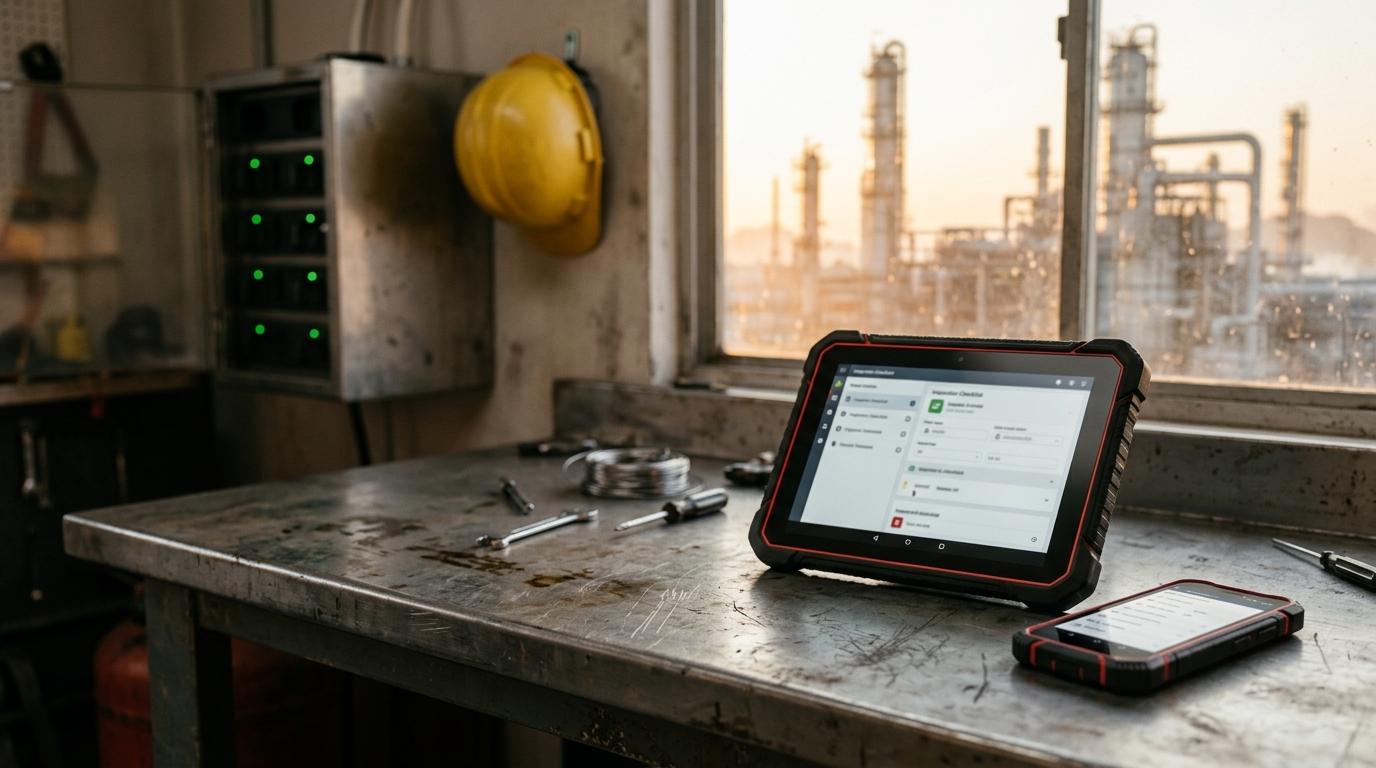
Protects the tablet from the site. Ratings such as IP65 or IP68 (dust and water) and MIL-STD-810H (drops, vibration, temperature) are usually tested by the manufacturer or a lab it chooses. They say nothing about sparks, hot surfaces or stored energy, and no authority needs to accept them before the tablet goes to work.
Intrinsically safe
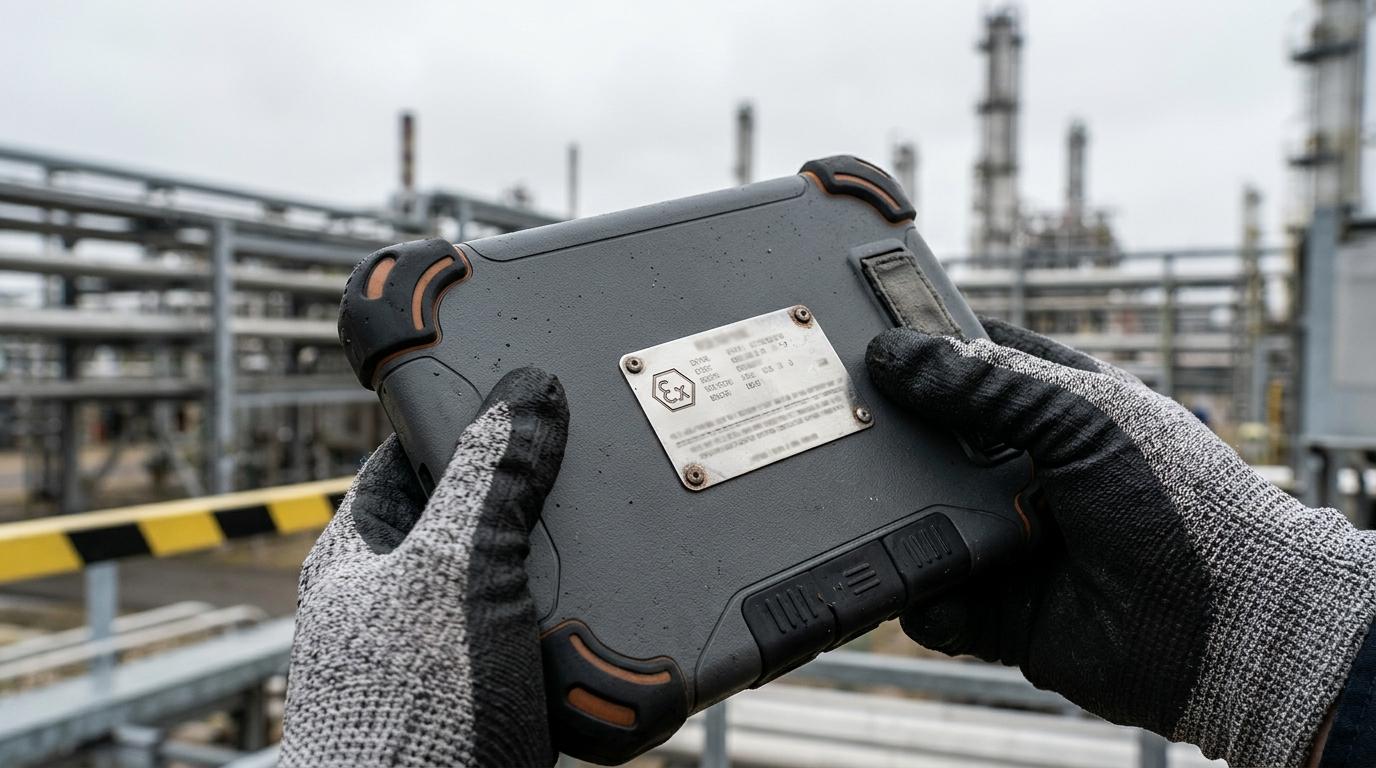
Protects the site from the tablet. The battery, circuits and charging path are designed so that, even with faults inside the device, the energy available is too low to ignite gas, vapor or dust. The design is tested and certified by an independent body against hazardous-area standards, and the certification is marked on the device.
In between sits a third category that buyers often miss: nonincendive or Zone 2 tablets. These are certified for Class I Division 2 or Zone 2, where a flammable atmosphere is only expected during a leak or other abnormal event. Many mainstream rugged tablets offer a C1D2 or Zone 2 variant. They are not intrinsically safe in the strict sense, and they cannot go into Division 1 or Zone 1, but for a lot of sites they cover most of the workforce. Our guide to Class I Division 1 vs Division 2 explains how those areas are defined.
- Standard rugged tablet: non-classified areas only, such as offices, warehouses, laydown yards and the control room.
- C1D2 / Zone 2 tablet: Division 2 and Zone 2 areas, plus everywhere a standard rugged tablet can go.
- C1D1 / Zone 1 intrinsically safe tablet: Division 1 and Zone 1 areas, and Division 2 and Zone 2 areas for the same gas group and temperature class.
Certifications to Look For (C1D1/C1D2, ATEX, IECEx)
The certification has to match the place where the tablet will be used, not the place where it was bought. Check the marking on the device and the certificate, not the brochure.
North America: C1D1 and C1D2
Class I, Division 1 or Division 2, with gas groups (A to D) and a temperature class (T-code). In the US and Canada, the tablet should be listed by a recognized lab such as UL, CSA, FM or Intertek. Zone markings under NEC Article 505 (for example "Class I, Zone 1, AEx ib IIC T4") are also used.
Europe: ATEX
The EU ATEX directive. A Zone 1 tablet is typically marked "II 2 G Ex ib IIC T4 Gb", where category 2 and Gb mean Zone 1. Category 3 and Gc mean Zone 2 only. The UK uses the equivalent UKEX marking.
International: IECEx
The IEC certification scheme used in Australia, the Middle East and many other regions. Markings follow the same Ex format as ATEX, and the certificate can be checked on the public IECEx website.
Three details catch people out. First, the gas group: a tablet rated for IIB or Group D only is not suitable for hydrogen areas. Second, the temperature class must be below the auto-ignition temperature of the gas present. Third, a certificate number ending in "X" means there are specific conditions of use, often about charging, battery changes or ambient temperature. Read them before you write your site procedure. An ATEX or IECEx certificate on its own is generally not enough for a classified area in the US or Canada, so check for a North American listing if your fleet crosses borders.
Charging and Accessories in Classified Areas
Certification covers the tablet as it was tested, including its battery and any accessories listed on the certificate. Change any of those, and the rating can be lost.
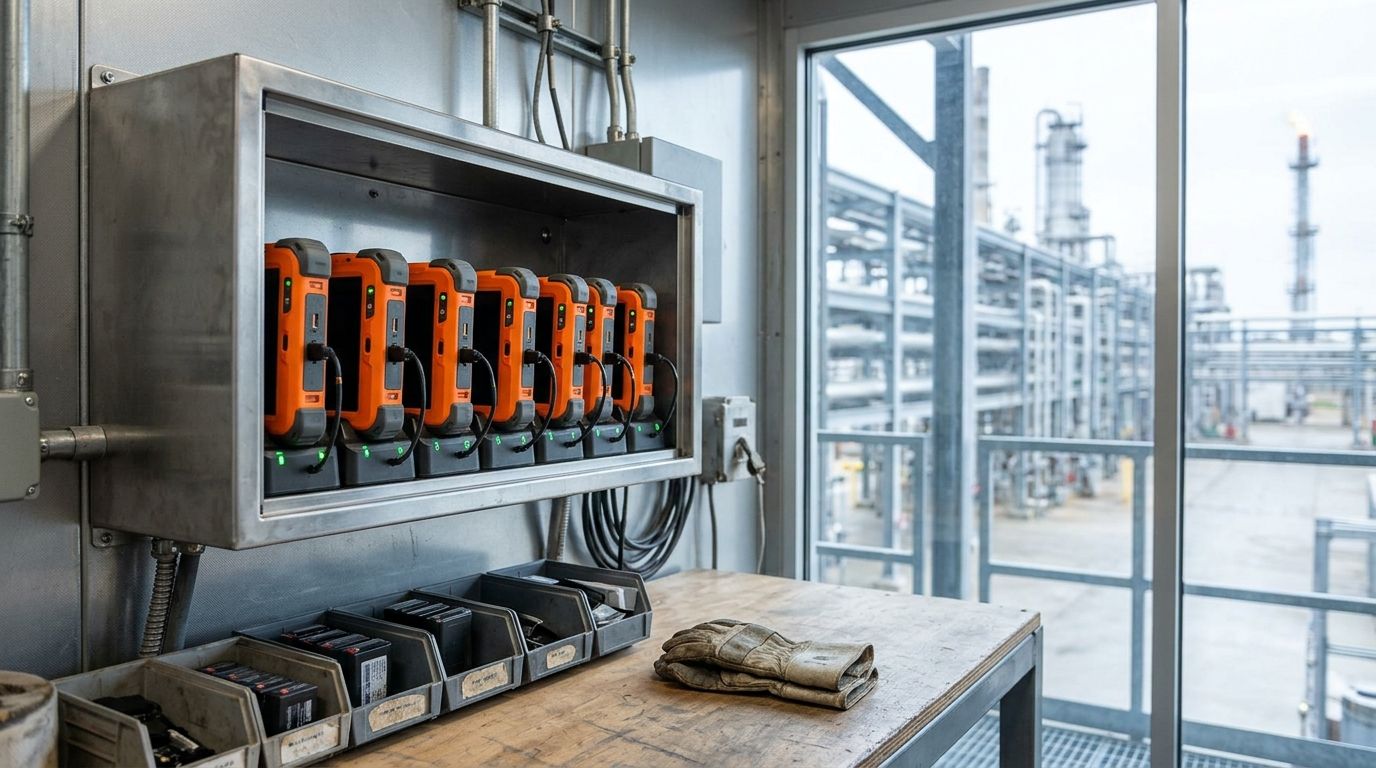
- Charge outside the hazardous area. Most intrinsically safe tablets must be charged in a non-classified location. Plan charging carts or lockers in the control room or a safe-area building, not on the unit.
- Use only the certified battery. Spare batteries must be the exact part listed on the certificate. A third-party battery, even one that fits, voids the rating. Many certificates also forbid battery swaps inside the hazardous area.
- Watch the ports. Plugging a USB cable, headset or keyboard into the tablet in a classified area is usually not allowed unless that accessory is part of the certification.
- Cases and mounts: a protective case that covers vents or adds heat can affect the certified design. Use the manufacturer's approved cases and vehicle mounts.
- Repairs: screen and housing repairs on certified tablets must be done by the manufacturer or an authorized service center. A cracked unit should come out of service until it is repaired.
These rules are where fleets fail in practice. The tablet is right on day one, then a worker borrows a charger, or a spare battery from a different model ends up in the wrong unit. A clear accessory list and device management that tracks which unit is where make the rules easier to follow.
Total Cost of Ownership
An intrinsically safe tablet often costs two to four times as much as a comparable rugged tablet, and a C1D2 or Zone 2 variant sits somewhere in between. The purchase price is only part of the cost.
- Fewer models, longer lead times. Certified tablets come from a small number of manufacturers and often take weeks to ship. Plan for spares, because a broken unit cannot be swapped for a cheap one off the shelf.
- Older hardware. Certification takes time, so intrinsically safe tablets often run a generation behind on processor, camera and screen. Check that the tablet runs the apps you need, and for how many years it will get security updates.
- Certified batteries and accessories. Spare batteries, chargers and cases cost more and must come from the approved list.
- Shorter useful life when misused. A tablet with a voided rating is worth only what it is worth outside the fence. Damage, wrong accessories or unauthorized repair can take a costly unit out of service early.
- Overbuying. Buying Division 1 units for every worker, when most of them never cross the Division 1 boundary, is the most common way to overspend.
For a turnaround, a construction phase or a project that lasts months rather than years, renting certified tablets can make more sense than buying them. You avoid a large capital purchase for hardware that may sit in a cupboard after the job, and the supplier handles spares, repairs and replacements.
Selection Checklist
Work through these questions before you request quotes.
- What does the area classification drawing say? List the divisions or zones, gas groups and temperature classes where tablets will be used.
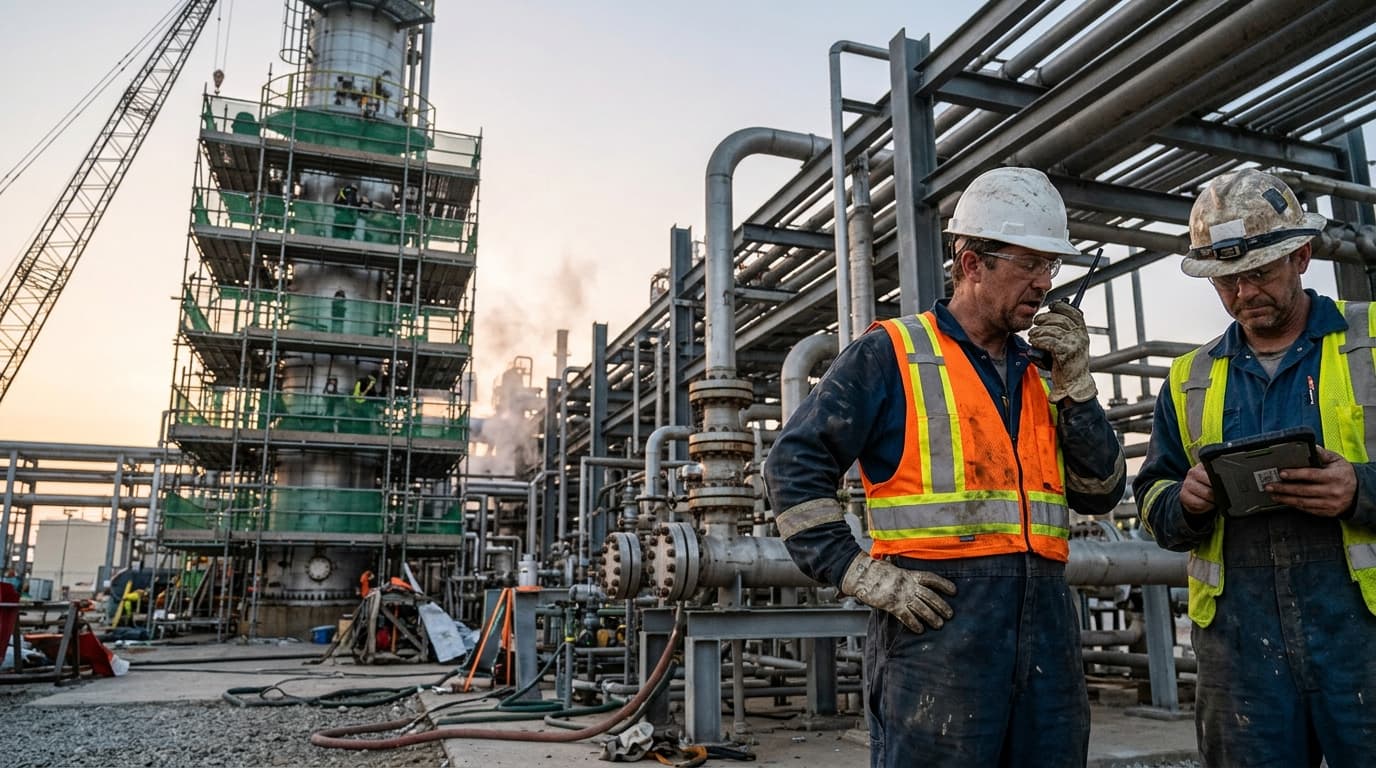
- Who actually goes into Division 1 or Zone 1? Size the intrinsically safe pool to those roles, and give everyone else C1D2 or Zone 2 tablets where the drawing allows.
- Which markings does your jurisdiction accept? North American listing, ATEX, IECEx or more than one.
- What are the conditions of use? Read the certificate for charging, battery and ambient temperature rules, and check they work with your shift pattern.
- Will it run your apps? Operating system version, security update support, memory, and camera or barcode performance for your workflows.
- Will it connect? Wi-Fi, LTE or private 5G bands that match the site network, and glove-friendly input for the people using it.
- How will it be managed? Enrollment, app updates, location, lost-device locking and remote wipe, before the tablets reach the field.
- What is the support plan? Spares, approved repair path, battery replacement and expected service life.
This article is a buyer's orientation, not engineering advice. Your site area classification, local code and your safety and electrical team decide what is acceptable on your site.
Questions from the Field
Can a protective case make a tablet intrinsically safe?
No. Intrinsic safety comes from how the battery and electronics inside the tablet are designed and certified, so an ordinary rugged case cannot add it. Some vendors sell certified enclosures for specific tablet models, but in that case the enclosure and tablet are certified together, and only that exact combination is approved.
What does C1D1 mean on a label?
C1D1 is short for Class I, Division 1. It means the device is certified for North American locations where flammable gases or vapors can be present during normal operation. A full label also lists the gas groups (A to D) and a temperature class, and both must match the area where the tablet will be used.
How long do IS tablets typically last in service?
Most intrinsically safe tablets stay in service for about three to five years. The limit is often software support and the supply of certified batteries and parts rather than the hardware wearing out. Batteries usually need replacing every two to three years with the certified part.
Straight Talk
Rugged is about durability. Intrinsically safe is about ignition. A tablet can be both, but a tough-looking tablet is not certified for a hazardous area unless the marking says so. Start with the area classification, buy intrinsically safe tablets only for the people who need them, and put real rules around charging, batteries and accessories.
Clover IQ supplies rugged, C1D2 and C1D1 tablets, phones and radios through device rental, enrolled and configured before they reach site, and manages the fleet through managed device management. For more on selection, read our whitepaper on intrinsically safe device selection and integration or our guide to managing intrinsically safe devices. Tell us about your site and we will help you choose the right mix.