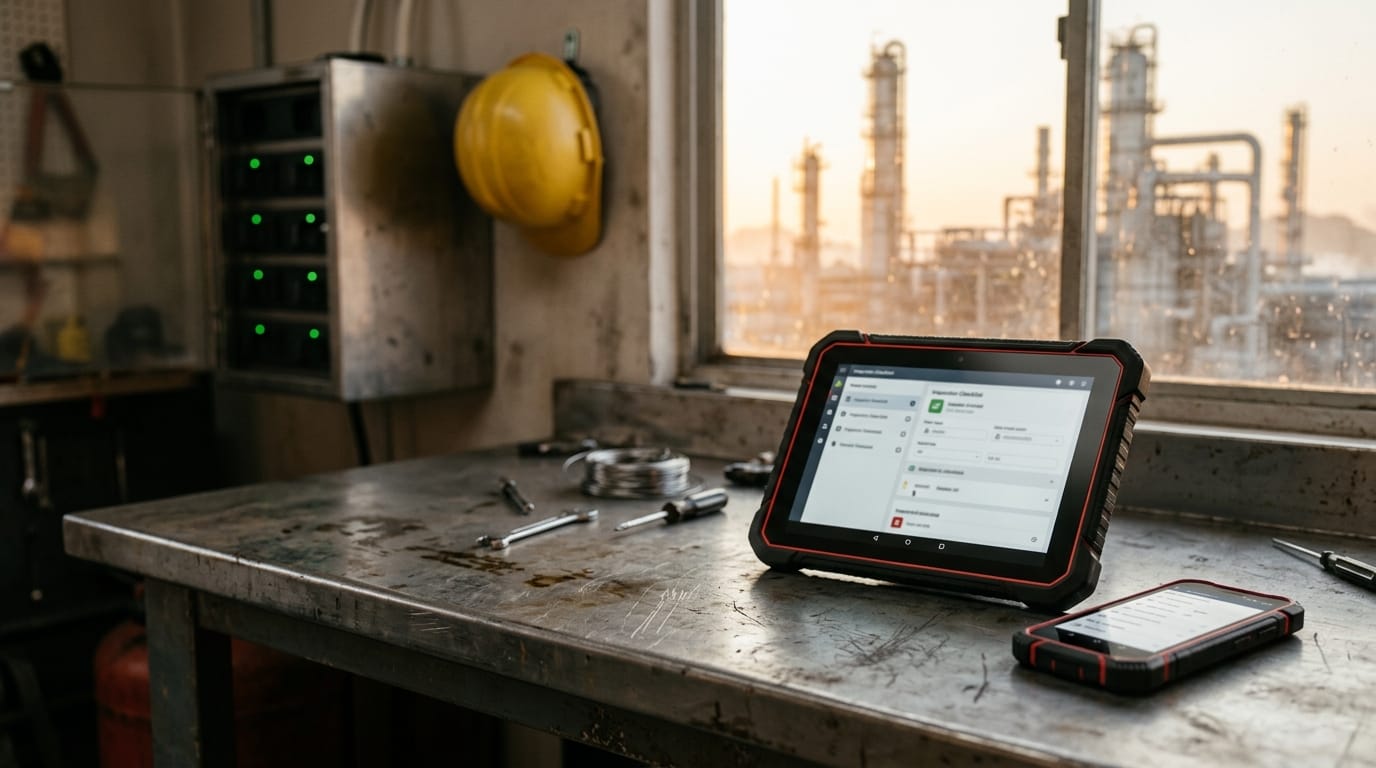
The purchase order is the easy part. A pallet of certified Android tablets and phones shows up at the plant. The datasheets are clean, the ratings are right, and the units can go where a normal phone can't. Then someone asks who is going to enroll them.
Nobody has an answer. IT assumed operations would handle it. Operations assumed the vendor shipped them ready to use. Safety wants to know what happens if one goes missing near a process unit. Three weeks later, half the fleet is in a drawer and the other half is running whatever apps the first person to unbox them installed.
This is where most hazardous-area mobility projects stall. The hardware isn't the problem. The job is managing it.
Why it breaks down
Certified hardware arrives with no owner.
A device certified for Class I, Div 2 and ATEX/IECEx Zone 2/22 is a different kind of asset from a laptop. But it still needs enrollment, an identity, a configuration, and a person accountable for it. In most plants that person doesn't exist on day one.
Consumer MDM assumptions don't survive a classified area.
Standard mobile device management is built around phones that live in pockets, charge at desks, and get replaced at the carrier store. A hazardous-area unit gets charged outside the process area, handed off at shift change, shared across crews, and used with gloves. The rating stays intact only if the accessories are approved for that device and repairs go through a route that keeps the certification. A policy template written for office phones doesn't cover any of that.
A lost device is two problems at once.
On a turnaround, a unit that walks off is a safety and accountability issue. It is also a live SIM on a live data plan, with whatever apps and cached data are still on it. Different teams own those two halves, and neither usually knows when the other has acted.
Everything else lands in a different inbox.
App updates go to IT. Spare batteries and chargers go to the maintenance planner. Carrier billing goes to procurement. Damage reports go to whoever the field tech happens to message. None of these teams see the same picture of the fleet, so nobody can answer a simple question: how many devices do we have, where are they, and are they still in a state we can use?
A certified device without a managed lifecycle becomes a loose asset. It is still rated for the area, and still not doing the job you bought it for.
What actually works
The device is only the start. What makes a fleet useful is three layers feeding one view.
The MDM platform
This is the system of record for what is on each device and what state it is in:
- Inventory by model, serial, and OS version
- Compliance and encryption status
- App deployment and updates
- Remote lock, wipe, and reset
- Location tracking, so you can see where a unit is when it goes missing or leaves the site
- Identity and single sign-on, so a device is tied to a person and a role rather than a shared login
You have real choices here, such as Microsoft Intune, SOTI, or another platform. We don't think the platform is the interesting decision. The discipline around it is.
The carrier
Every cellular device is also a line. You need to see active lines and SIMs per device, data usage, plan alerts, and the ability to suspend a line when a unit is lost. If the carrier account lives in procurement and the device lives in IT, a lost tablet can keep burning data for a month before anyone connects the two.
Site telemetry
Location from the MDM is a locate: where the device was when it last checked in. Site telemetry is the record around that point, reported by an on-device agent: location history, geofence entry and exit, battery level and health, signal strength, and last seen. Is the unit actually on site? Has it been sitting in a vehicle for two days? Did it leave the fence? Is the battery degrading ahead of the next outage?
Each source is useful alone. The value comes from having them in one operations view, with support tickets raised in the same place against the specific device. That is the model we build around at Clover IQ: one view over MDM, carrier, and an on-device agent, so the person who sees a problem is also the person who can act on it.
The lifecycle, once through
It helps to walk one device from start to finish.
Provision and enroll
The unit is configured before it ships, enrolled in MDM, assigned to a user or role, and tied to a carrier line.
Deploy to site
It ships to the plant and is issued to a field team. Because it arrives configured, there is no unboxing day where someone installs apps from a personal account.
Monitor and support
Status, location, battery, and connectivity are visible in one place. When something goes wrong, a ticket is raised against that device with its history attached.
Replace and refresh
Repairs, replacements, and upgrades are handled as part of the lifecycle. Devices retire on a schedule instead of failing one at a time.
What "compliant" means on a hazardous-area unit
On an office phone, compliant usually means encrypted, patched, and passcode-protected. On a unit in a classified area it also means:
The correct apps
The approved inspection, permit, and handover apps are present, and nothing else is.
Locked down
Settings, app stores, and accounts are restricted so a unit can't drift from its intended configuration.
Still certified
Accessories are approved for that device, and any repair went through a route that keeps the rating intact.
The last point is the one most fleet policies leave out. A drop that cracks a screen is routine. A repair that voids the certification turns a rated device into an unrated one, and nothing in a standard MDM dashboard will tell you.
A short decision framework
Before you name an MDM, settle these five questions. The answers usually narrow the platform choice for you.
Who is the identity provider?
If your plant already runs on one identity system, the devices should sign in through it. Fighting that creates a second set of accounts to manage.
Who owns the SIMs?
Decide whether lines sit on your corporate carrier account, are provisioned through a partner, or are bundled with a service. Pick an owner. The worst answer is "whoever set it up."
Is the fleet permanent or turnaround-only?
A fleet that lives on site year-round has a different lifecycle from one that spins up for six weeks of outage work and disappears. Turnaround fleets need fast enrollment, fast reassignment, and clean retirement.
Div 2 only, or also Div 1?
This affects the hardware, not just the policy. Zone 1 / Div 1 units are a separate supply path from Div 2 hardware, so confirm your area classification before you standardize a fleet.
Who is allowed to wipe a unit on site?
Remote wipe is powerful and irreversible. Decide in advance whether it is IT, a shift supervisor, or safety, and under what conditions. In an incident you don't want to be working that out.
Questions from the field
Should we use Intune, SOTI, or something else?
It depends on what you already run. If your organization is built around one identity and device ecosystem, staying close to it reduces overhead. If your field fleet has needs the corporate platform handles poorly, a specialist mobility platform may fit better. Either can work. What matters is that someone owns the platform, and that its data feeds a view operations can use.
What does remote wipe do, and what doesn't it do?
It removes data, accounts, and configuration from a device that checks in. It doesn't recover the unit, and it can't act on a device that is out of coverage or powered off until that device reconnects. For a lost unit, pair a wipe with a line suspension at the carrier and a last-seen location from the device. Each covers a gap the others leave.
Where can a charging locker sit?
In a non-hazardous space, such as a control building or tool crib, and not in the process area. Smart cabinets with check-in and check-out, an audit trail, and charging in every bay make shift changes accountable. They belong at the edge of the classified area, where devices are handed off before and after work.
What happens to certification after a repair?
It depends on who does the repair and how. Work done through manufacturer-authorized service is designed to maintain the rating. A third party opening the unit, or an unapproved part, may not. Treat repair as part of the compliance picture, and route every damaged unit through one defined channel. Loss and theft are a separate problem from a drop, so handle them separately. A lost device is a replacement purchase and a security event. A cracked screen is a repair ticket.
Should we buy, or run a managed rental fleet?
Buying makes sense for a stable, long-lived fleet where you want ownership and control. Rental suits turnaround-driven or uncertain demand, because MDM and lifecycle are bundled in. If you're weighing the rental route, we cover it on our device rental page. This post is the purchased-and-managed version of the same idea: you own the hardware, and the management work gets done anyway.
Straight talk
Hardware quotes are easy to compare. Two vendors will send you similar specs, similar certifications, and prices within a few percent of each other. That comparison is real, and it is also the smallest part of what the fleet costs you over three years.
The cost that shows up later comes from three places:
Unmanaged devices
units that drift, run stale apps, and can't be found.
Dead lines
SIMs billing for tablets in a drawer or a lost bag.
Repairs that void the rating
a unit that looks fine and isn't certified anymore.
None of these appears on the quote, and all of them are avoidable if someone owns the lifecycle from day one.
Scope your fleet
If you're about to put certified devices into a hazardous area, the best next step is a short conversation. In a discovery call we'll work through quantity, configuration, and, most importantly, who runs the MDM and who owns each part of the lifecycle. Book a discovery call and bring your area classification, your identity setup, and your turnaround calendar.


