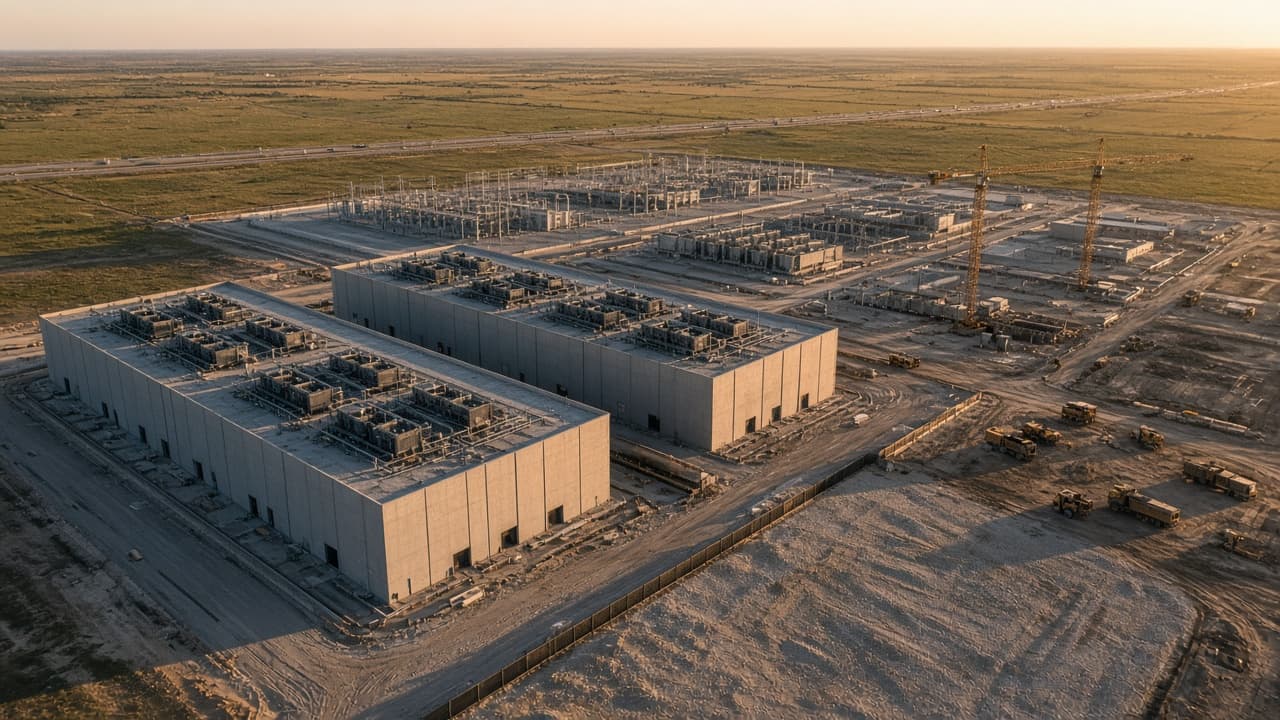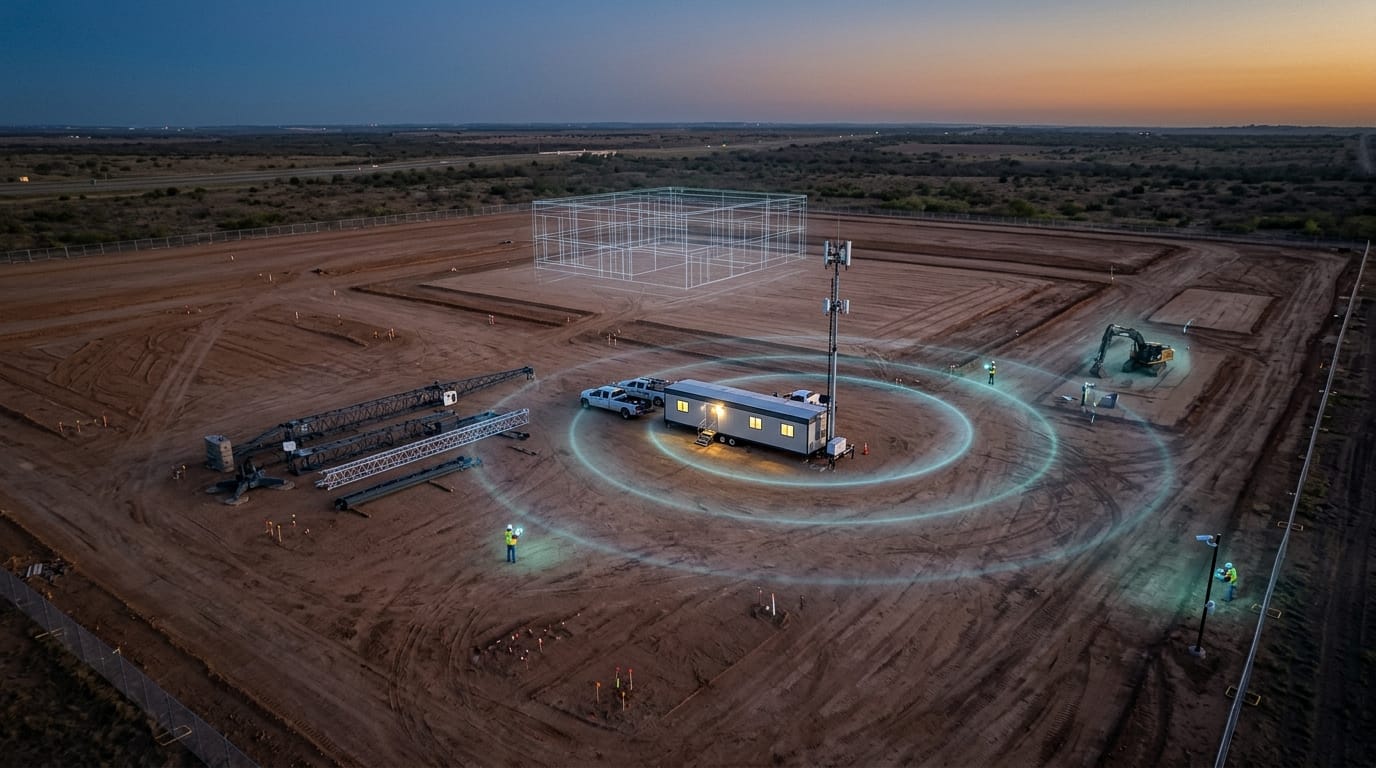
The trailer is set, the fence is up, and the superintendent needs to open drawings, send a daily report, and see the gate camera. The nearest fiber is two miles away. The carrier signal is two bars on a good day and none once the crews show up at 6am. Somebody has to decide how this site gets online, usually in a week, and usually without anyone whose job title includes "network."
This post is the decision guide we wish more project teams had at mobilization: what the options are, what each one is good and bad at, and how to size the network for what the site will actually carry.
The short answer
Most construction sites combine temporary backhaul (bonded cellular, fixed wireless or satellite) with on-site distribution such as Wi-Fi mesh or private LTE/5G, plus push-to-talk for voice. The right mix depends on site size, project duration, number of users and whether cameras and field apps need reliable uplink.
Why Jobsite Connectivity Is Different
An office network is designed once for a building that stays put. A jobsite network has none of those advantages.
- There is no building yet. No riser, no ceiling to mount access points on, often no permanent power. Equipment goes on trailers, poles, light towers and fences that will move.
- The site changes every month. Steel goes up and blocks signal that used to reach the laydown yard. The work moves from the first pad to the third. Coverage that was fine in month two is a dead zone in month five.
- Headcount swings. Thirty people at groundbreak can become four hundred at peak, all arriving at the same shift start and all syncing photos, drawings and timecards at once.
- It has to come down cleanly. At turnover, the temporary network leaves and the owner's permanent systems take over. Anything bought as capex for an 18-month job is either stranded or becomes a disposal problem.
So the useful way to think about construction site connectivity is in three layers: how the site connects to the internet (backhaul), how that connection reaches people and devices across the site (on-site coverage), and how crews talk to each other (voice).
Backhaul Options
Backhaul is the pipe between the jobsite and the outside world. Pick it first, because it caps everything else.
Bonded cellular
A router that combines several carrier connections, often from different carriers, into one link. Fast to deploy and portable. Its ceiling is local carrier coverage and capacity, which is exactly what degrades when hundreds of workers on personal phones share the same tower at shift start.
Fixed wireless
A point-to-point or point-to-multipoint radio link from a nearby building, tower or provider with fiber. It can deliver strong, symmetrical throughput, but it needs clear line of sight. A crane, a new structure or a stockpile can block a link that worked on day one.
Satellite (LEO)
Low-earth-orbit terminals work almost anywhere with a clear view of the sky and can be online the day they arrive. Download is usually good. Upload is the limit: it is a fraction of download, and that matters for cameras and cloud sync.
Temporary fiber or cable drop
The best link if it is available, but provisioning a new circuit to a dirt lot can take weeks to months. On long projects it is worth ordering at preconstruction, and running on one of the options above until it lands.
In practice, the answer is rarely one of these. A site that matters runs two different paths, such as satellite with cellular failover, so one outage does not take down cameras, timecards and the superintendent's day at the same time.
On-Site Coverage Options
Backhaul gets the internet to the trailer. On-site coverage gets it to the laydown yard, the gate, the crane cab and the fourth floor of a building that did not exist last month.
Wi-Fi mesh and point-to-point bridges
Cheap, familiar and good for trailers, break areas and small sites. Outdoor mesh nodes on poles can stretch coverage across a yard. Each mesh hop costs throughput, nodes need power wherever they sit, and coverage gets patchy as the structure rises. Wi-Fi works best in small, dense zones, not across a 60-acre site.
Private LTE / 5G (CBRS)
A cellular network the project controls, typically on CBRS spectrum in the U.S. One well-placed radio can cover a large outdoor area, devices hand off as people move, and only provisioned SIMs can join. It is the stronger fit for big or spread-out sites, many cameras and sensors, and anything that has to keep working when public networks congest. We cover how it fits a jobsite in construction site connectivity from groundbreak.
Carrier signal boosters
Useful later in the build, when finished floors and walls start blocking public coverage indoors. They boost the carrier network you already have, so they do not fix a site where that network is weak to begin with.
Many sites end up with both: private LTE/5G for wide outdoor coverage, cameras and mobile crews, and Wi-Fi inside trailers and enclosed areas for laptops and guest devices. The point is to decide that on purpose, not end up with it by accident.
Voice: Two-Way Radio vs. PTT Over Cellular
Crane lifts, concrete pours and emergencies run on voice. Data networks get the attention, but voice is where a coverage gap becomes a safety problem.
Two-way radio (LMR)
Instant, rugged and independent of the internet. Range drops inside steel and concrete, licensed channels take paperwork, and talkgroups are hard to manage across many trades and subcontractors.
PTT over cellular
Push-to-talk apps on phones or rugged handhelds. Unlimited range wherever there is coverage, easy talkgroups, and GPS and recording built in. It is only as reliable as the network under it. On a congested carrier network, that is exactly when it fails.
The middle path is push-to-talk running on the site's own private network, bridged to any existing radio fleet, so crane operators keep their radios and everyone else gets PTT that does not depend on the public tower. Whatever you choose, test it where the critical calls happen: the crane cab, the stairwell and the basement.
Sizing for Cameras, Sensors and Field Apps
Most jobsite networks are sized for email and drawings and then asked to carry video. Start from what the site will actually run.
- Cameras drive uplink. A 1080p camera streaming continuously commonly uses 2 to 4 Mbps of upload. Twenty perimeter and progress cameras can need 40 to 80 Mbps of steady uplink, more than many single satellite or cellular links provide. Recording on an on-site NVR and sending only alerts and clips off-site changes the math completely.
- Sensors are light but numerous. Concrete maturity, environmental, equipment telematics and access control use little bandwidth each, but they need reliable coverage in the places where they sit, including far corners and inside the structure.
- Field apps are bursty. Drawing sets, BIM models, photo uploads and timecards hit the network at shift start and end. Size for the peak: how many people open the app at 6:30am.
- Count devices, not just people. Phones, tablets, laptops, cameras, sensors, kiosks, drones. A site with 150 workers can easily have 400 connected devices.
- Separate the traffic. Owner security cameras, GC systems, trade laptops and guest Wi-Fi should not share one flat network. VLANs and a simple segmentation plan matter even more on data center construction, where the owner treats the site as a secure facility long before turnover.
Write down cameras, sensors, peak users and critical zones before choosing equipment. Those four numbers rule out most options on their own.
Planning Timeline by Project Phase
Construction site connectivity is not a one-time install. It should follow the schedule.
Preconstruction
Decide who owns the network, order any fiber circuit, and walk the site with the logistics plan in hand. A site survey and RF design four to six weeks before mobilization leaves time to pick backhaul, plan pole and trailer locations, and agree on segmentation with the owner.
Mobilization and site work
Trailer connectivity, gate and perimeter cameras, push-to-talk and timecards. This is the phase where a self-powered unit with its own backhaul earns its keep, because there is nothing on site to plug into.
Structure and vertical
Coverage has to follow the work. Steel and concrete start blocking signal, crane and hoist communications become critical, and the number of devices climbs with headcount. Plan to move or add radios as the footprint changes.
Enclosure, MEP and fit-out
Indoor coverage becomes the problem. Plan to extend the site network inside the building or add in-building coverage until the permanent systems are live. Peak headcount usually lands here.
Commissioning and turnover
The temporary network often needs to overlap with the owner's permanent systems for weeks or months. Then it comes down: a device inventory, a demob plan, and nothing left behind on a fence. We walk through that overlap on a data center campus in from groundbreak to go-live.
How Clover IQ Handles Jobsite Connectivity
Clover IQ is vendor-agnostic. We pick the backhaul, coverage and voice mix for the site, then operate it until demob.
One unit, every layer
The Mobile Connectivity Unit arrives with its own power, satellite backhaul with cellular failover, a private 5G cell, industrial Wi-Fi and on-prem push-to-talk. Once it is positioned, the network is typically live within about an hour.
Video stays on site
Cameras record locally and video analytics run at the edge, so only alerts and clips use the uplink.
Packaged for the job
Network only, network plus devices, or a fully operated site. See which package fits your jobsite, or browse our construction work.
Questions from the Field
How fast can a temporary jobsite network be set up?
Bonded cellular or satellite can be online within days if the equipment is on hand. Fixed wireless depends on line of sight and the provider, and a new fiber circuit can take weeks to months. A self-contained mobile unit can be live within about an hour of being positioned. The design and IT review are what take time, so start them before mobilization.
Is satellite internet enough for a large jobsite?
For a small trailer, often yes. For a large site with cameras and many users, usually not on its own. Upload is the limit, and a single terminal is a single point of failure. Pair satellite with cellular failover, record video on site instead of streaming it, and use on-site distribution such as private LTE/5G or Wi-Fi mesh to reach the whole site.
Who should own jobsite connectivity: the GC, the owner or IT?
Usually the general contractor owns it during construction, because the GC controls the site and the schedule. On owner-controlled sites such as data centers, the owner's IT or security team often sets requirements or owns it outright. Whoever it is, write it into the contract: one accountable party, a documented design, and a clear handover at turnover.
Straight Talk
Most jobsite connectivity problems are not caused by bad equipment. They are caused by choosing backhaul before knowing what the site will carry, adding cameras to a network sized for email, and leaving voice to whatever phones people brought. The fix is boring: count the cameras, sensors and peak users, pick two backhaul paths, choose coverage that matches the footprint, and assign one owner.
Book a 30-minute discovery call. Bring the site logistics plan, the schedule and a rough camera count. We'll tell you which backhaul and coverage mix we would expect to recommend and what to settle before mobilization.